
Tools for Inbound and Outbound Calls Customer Support: 5 Platforms Compared (2026)
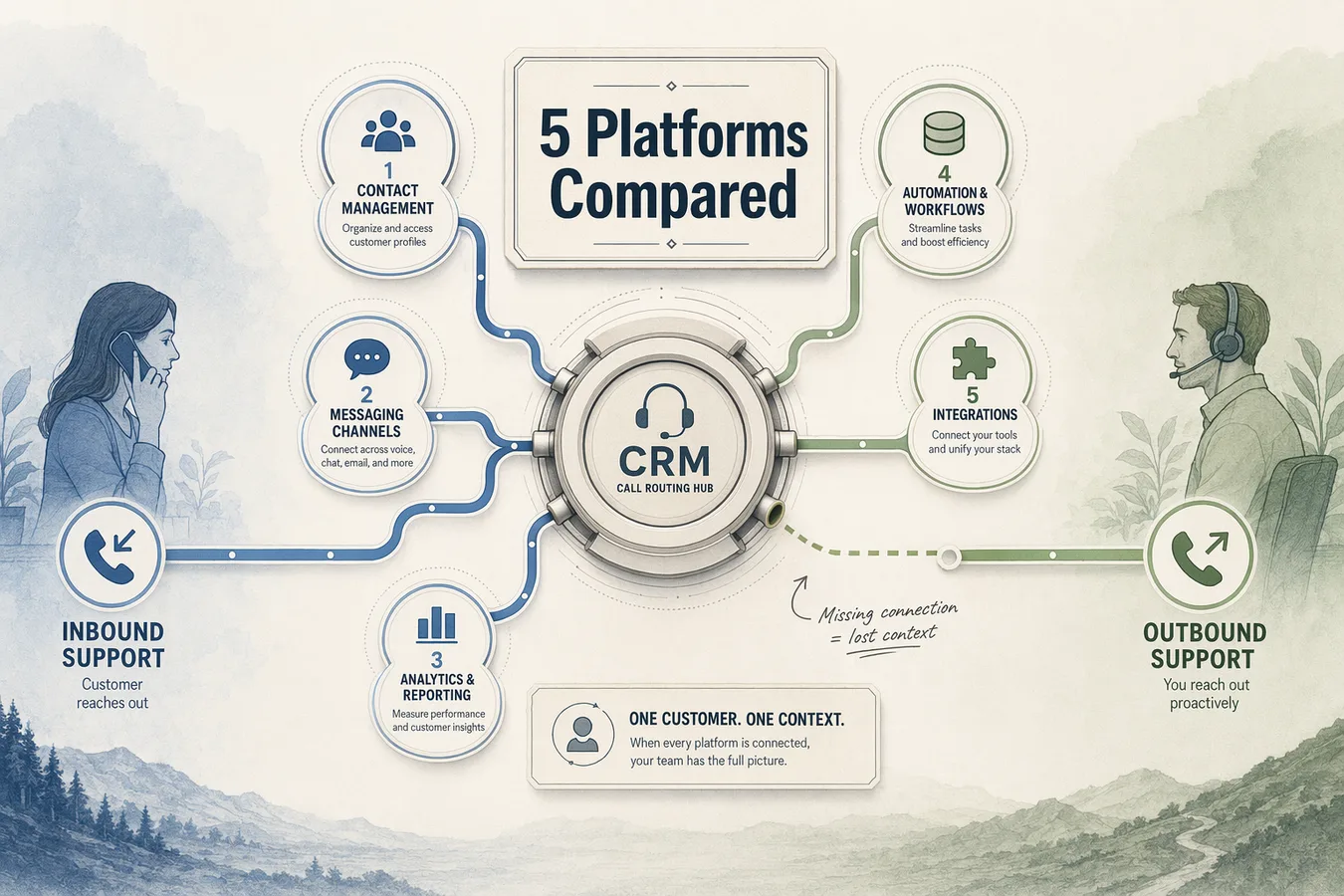
Customer support teams need platforms that handle both inbound resolution and outbound follow-up within a single stack, preserving customer context across call directions.
This comparison evaluates five verified platforms against four criteria: CRM synchronization, dual-mode licensing, compliance readiness, and omnichannel context retention.
Key Takeaways
True dual-mode platforms unify inbound support and outbound campaigns under one license with shared customer context, not separate products requiring distinct billing
CRM synchronization matters more than raw dialing capacity—platforms must sync customer timelines, not just log call metadata
Outbound automation requires TCPA compliance, DNC list management, and state-specific call-recording consent workflows that inbound-only platforms typically lack
Unified platforms suit teams where the same agents handle both inbound tickets and outbound follow-up; specialized tools fit separate workflows with distinct agent pools
AI voice agents automate qualification and routing tasks but require human escalation logic for high-intent conversations and compliance-sensitive scenarios
True dual-mode platforms unify inbound support and outbound campaigns under one license with shared customer context, not separate products stitched together. Nextiva's omnichannel architecture and INO CX's unified voice and messaging platform exemplify this approach—both deliver a single system where inbound call records, outbound campaign results, and CRM updates flow through shared workflows rather than requiring agents to toggle between disconnected tools.
Unified Context Retention Across Call Directions
CRM synchronization matters more than raw dialing capacity when evaluating dual-mode suitability. Aircall's approach demonstrates why: their platform syncs customer details across tools so callers don't repeat themselves, enabling AI-powered context that helps agents quickly address issues. A platform handling 500 concurrent calls means nothing if each interaction starts from zero—customers forced to re-explain their history across inbound support and outbound follow-up calls experience friction that erodes satisfaction. Shared context eliminates this gap: when an outbound sales call references yesterday's support ticket or an inbound service agent sees last week's campaign engagement, the customer perceives continuity rather than organizational silos.
Licensing Models: Unified Seats vs. Separate Inbound/Outbound Packages
Some vendors market inbound and outbound capabilities separately, requiring distinct licenses for each direction. Aircall and Dialpad position their inbound call center software as standalone products, which may necessitate purchasing additional outbound modules or integrating third-party dialer services to achieve full dual-mode functionality. This licensing structure increases total cost of ownership and complicates deployment—teams must negotiate separate contracts, reconcile feature parity across products, and train agents on two interfaces. In contrast, unified platforms bundle inbound support and outbound campaign seats under a single SKU, simplifying procurement and ensuring feature consistency across call directions.
Compliance Readiness for Outbound Automation
Outbound customer support calls trigger TCPA regulations, Do Not Call list management, and call-recording consent requirements that inbound-only platforms often lack. Platforms handling outbound campaigns must include automated DNC scrubbing, consent capture workflows, and time-zone-aware dialing restrictions to avoid regulatory violations. Without these guardrails, even well-intentioned customer support follow-ups risk fines or legal action. Vendors marketing dual-mode capabilities without explicit compliance tooling—automated opt-out handling, TCPA-compliant dialing logic, and audit-ready call logs, are unsuitable for customer support outbound use cases, regardless of their raw call-handling capacity. Evaluate each platform's compliance documentation before committing; absent features cannot be retrofitted through integrations alone.
Understanding dual-mode requirements sets the foundation for evaluating specific platforms that deliver unified inbound and outbound call handling.
Top 5 Platforms Handling Inbound and Outbound Customer Support Calls
Teams seeking unified communication stacks face a core licensing question: does the platform handle inbound and outbound calls under the same seat, or does it bill them as separate modules? The five platforms below span both models, some bundle dual-mode routing into a single agent license, while others market outbound as a distinct add-on.
Comparison Table: Dual-Mode Feature Parity
Platform | Inbound + outbound call handling | CRM integrations | Languages supported | Starting price | Compliance certifications |
|---|---|---|---|---|---|
Expeed | Unified seat | Salesforce, HubSpot, Zoho | 70+ | Contact for pricing | GDPR, CCPA |
Retell AI | Unified seat (developer-first toolkit) | API-based (build your own) | 50+ | Usage-based | SOC 2 Type II |
Aloware | Blended inbound/outbound per omnichannel suite | Salesforce, ServiceNow, SAP | 40+ | Per-seat monthly | PCI DSS, GDPR |
Ringg AI | Separate outbound module | Salesforce, Microsoft Dynamics | 30+ | Contact for pricing | HIPAA, GDPR |
Sinch Contact Pro | Blended inbound/outbound | Salesforce, ServiceNow, SAP | 60+ | Enterprise (contact sales) | ISO 27001, SOC 2 |
Sinch Contact Pro reports that more than 200,000 businesses use the solution, including eight of the 10 largest tech companies, illustrating enterprise-scale adoption of unified-stack architectures. Retell AI positions itself as a developer-first toolkit for custom agents and experimentation, while Aircall and Dialpad market outbound call center software as a distinct product line, signaling separate licensing for outbound campaigns.
Platform Overviews: Best-Fit Scenarios
<strong>Expeed</strong>: Best for teams requiring multilingual qualification (70+ languages) and CRM-connected automation across inbound and outbound workflows. Trade-off: pricing requires vendor contact, limiting budget transparency for smaller teams.
<strong>Retell AI</strong>: Optimized for developers building purpose-built voice agents with fast iteration cycles and API-first workflows. Trade-off: requires technical expertise to configure agent nodes and maintain conversation context.
<strong>Aloware</strong>: Designed for omnichannel teams needing blended inbound/outbound seats with predictive dialing and interaction history tracking. Trade-off: per-seat pricing can escalate for larger contact centers.
<strong>Ringg AI</strong>: Suited for regulated industries (HIPAA, GDPR) requiring separate outbound modules for compliance segmentation. Trade-off: dual licensing increases total cost of ownership versus unified-seat alternatives.
<strong>Sinch Contact Pro</strong>: Enterprise-grade omnichannel suite supporting phone, email, chat, video, SMS, and messaging apps with skills-based routing and dashboards. Trade-off: enterprise-tier pricing and setup complexity may exceed small-team budgets.
The dataset lacks direct side-by-side comparison of dual-mode licensing and compliance workflows, readers should verify TCPA/DNC support and per-seat versus usage-based pricing with vendors directly before committing to annual contracts.
Platform selection depends on how these capabilities align with your team's workflow patterns and customer interaction models.
Feature Comparison: Dual-Mode Capabilities Across Platforms
CRM Integration Depth: Shared Context vs. Siloed Call Logs
Platforms that only log calls in CRM without syncing customer timelines break dual-mode workflows. When an inbound support case escalates to sales follow-up or an outbound lead returns with a service question, agents need shared context, not isolated call metadata. Zendesk's unified workspace exemplifies the shared-context model: all interactions, voice, chat, email, populate a single customer timeline, so the next agent sees what happened without re-asking qualification questions.
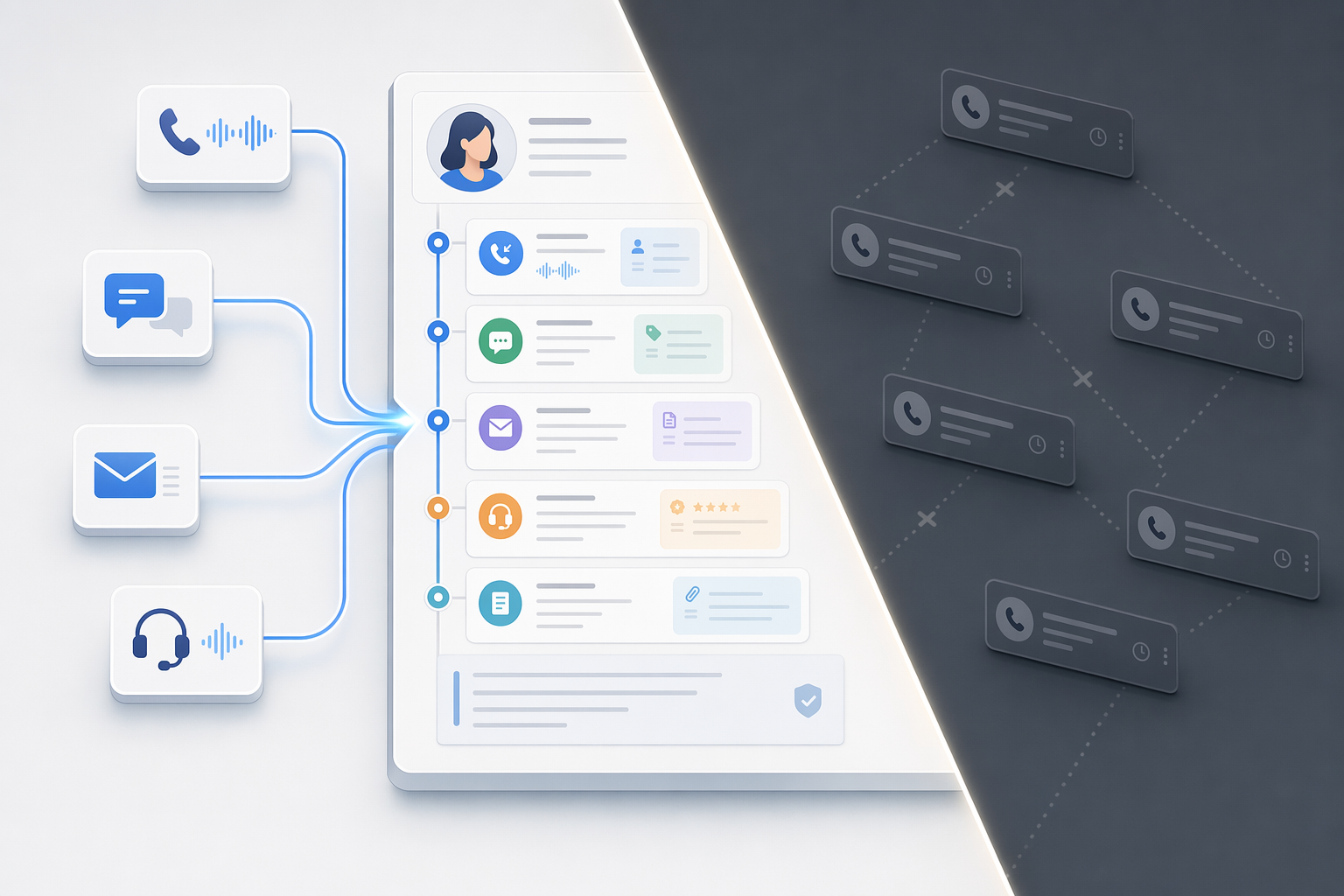
In contrast, platforms that only log call metadata (caller ID, duration, disposition) create siloed records. When a high-intent lead calls back three days after an outbound qualification campaign, the support agent sees a call log, not the budget conversation, timeline notes, or objections the AI captured. That rep starts from scratch, frustrating the prospect and wasting the qualification work. AI phone bots that capture data directly into CRM platforms [1] create consistency across both call directions: inbound cases inherit outbound qualification context, and outbound campaigns can reference prior inbound support interactions.
Human Escalation Workflows: Inbound Sentiment vs. Outbound Qualification Triggers
Inbound escalation logic is sentiment- or complexity-triggered: ICallify's inbound software routes calls to the right agent automatically based on IVR classification, but when AI detects anger, compliance risk, or technical depth beyond its safe-autonomy threshold, it transfers to a human with full conversation context. Outbound transfer logic is qualification-triggered: when the AI identifies high buying intent, 80% of sales require five follow-up calls [2], but the AI captures budget confirmation, decision-maker access, and timeline in call one, it hands the lead to a sales rep rather than continuing the nurture sequence.
The distinction matters: inbound escalation protects the customer relationship in high-stakes moments; outbound transfer accelerates pipeline velocity by routing qualified prospects before they cool. Platforms built for only one call direction often lack the other's trigger logic. Support-focused tools escalate on sentiment but lack outbound qualification scoring. Outbound dialers transfer on BANT completion but lack the sentiment analysis support teams need for compliance-risk or fraud-detection handoffs.
EchoLeads: Omnichannel Context Retention and Autonomous Scheduling
EchoLeads supports multi-channel workflows across Voice, WhatsApp, and Instagram, with bi-directional CRM sync to major platforms. The WhatsApp AI retains the context of voice-level conversations through chats, enabling a prospect who qualifies via outbound phone call to continue the conversation on WhatsApp without repeating budget or timeline details. Autonomous scheduling integrates with Google Calendar, Outlook, and CRM-based schedulers, booking meetings from any channel without manual intervention.
Routing logic includes intelligent escalation: when complexity, sentiment, or compliance risk exceeds safe autonomy thresholds, the AI transfers to human agents with full conversation history. Round-robin routing distributes meetings fairly across sales or success teams. Limitations: the platform is not designed to handle every call autonomously, high-intent or sensitive conversations still require human handoff. Setup includes configuring AI agents, purchasing phone numbers, and defining qualification scripts, which requires upfront workflow design rather than plug-and-play deployment. For teams evaluating related AI SDR use cases for simultaneous calling and booking, the omnichannel suite centralizes outbound prospecting and inbound support in one platform.
When to Choose Unified vs. Specialized Call Handling Tools
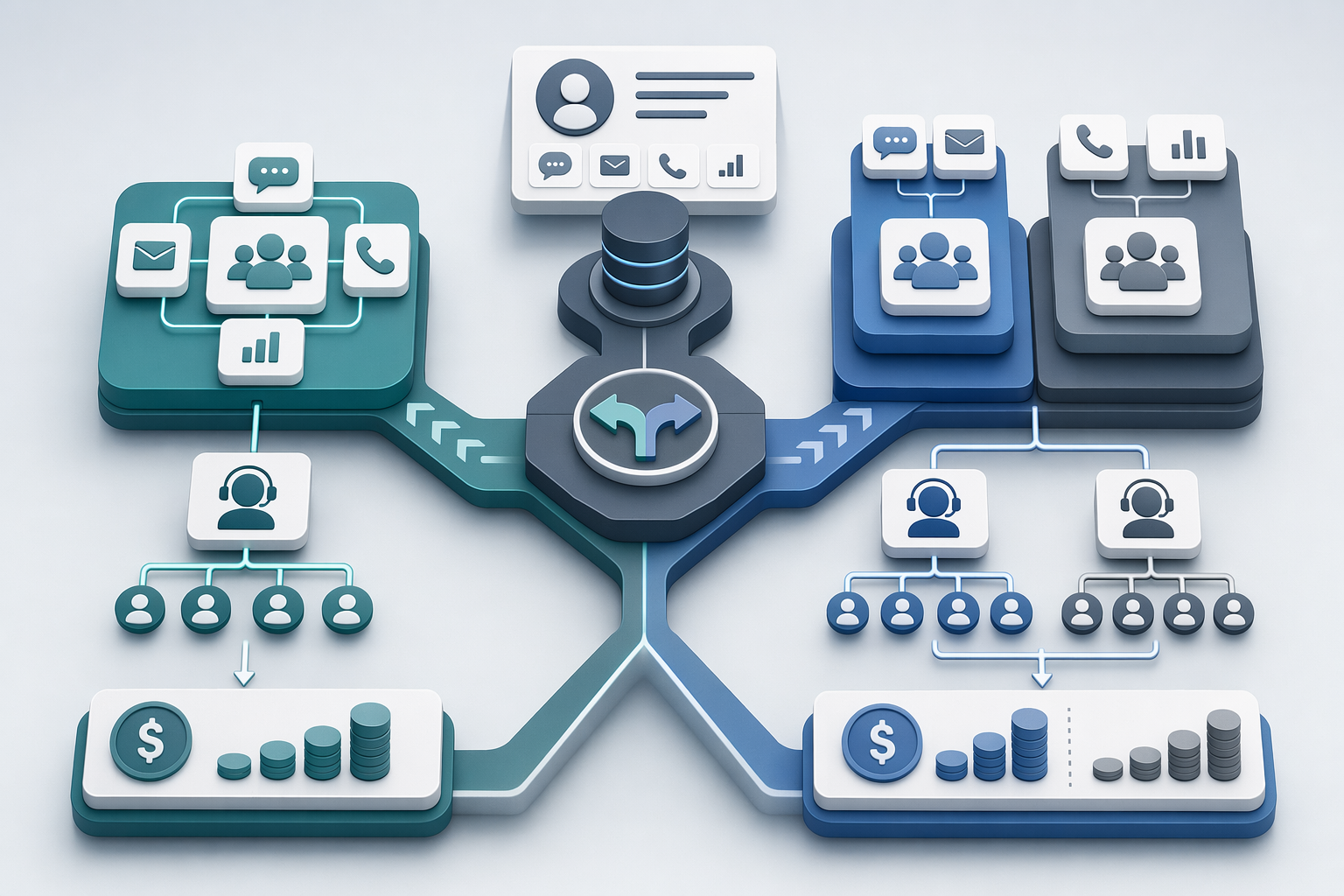
Teams evaluating tools that handle both inbound support tickets and outbound follow-up campaigns face a foundational choice: deploy a unified platform where one license covers both call directions, or assemble specialized best-of-breed stacks that optimize each workflow independently. The right answer depends on whether your inbound support agents and outbound sales teams share customer records, how call volume fluctuates, and whether your pricing model rewards consolidation or punishes it.
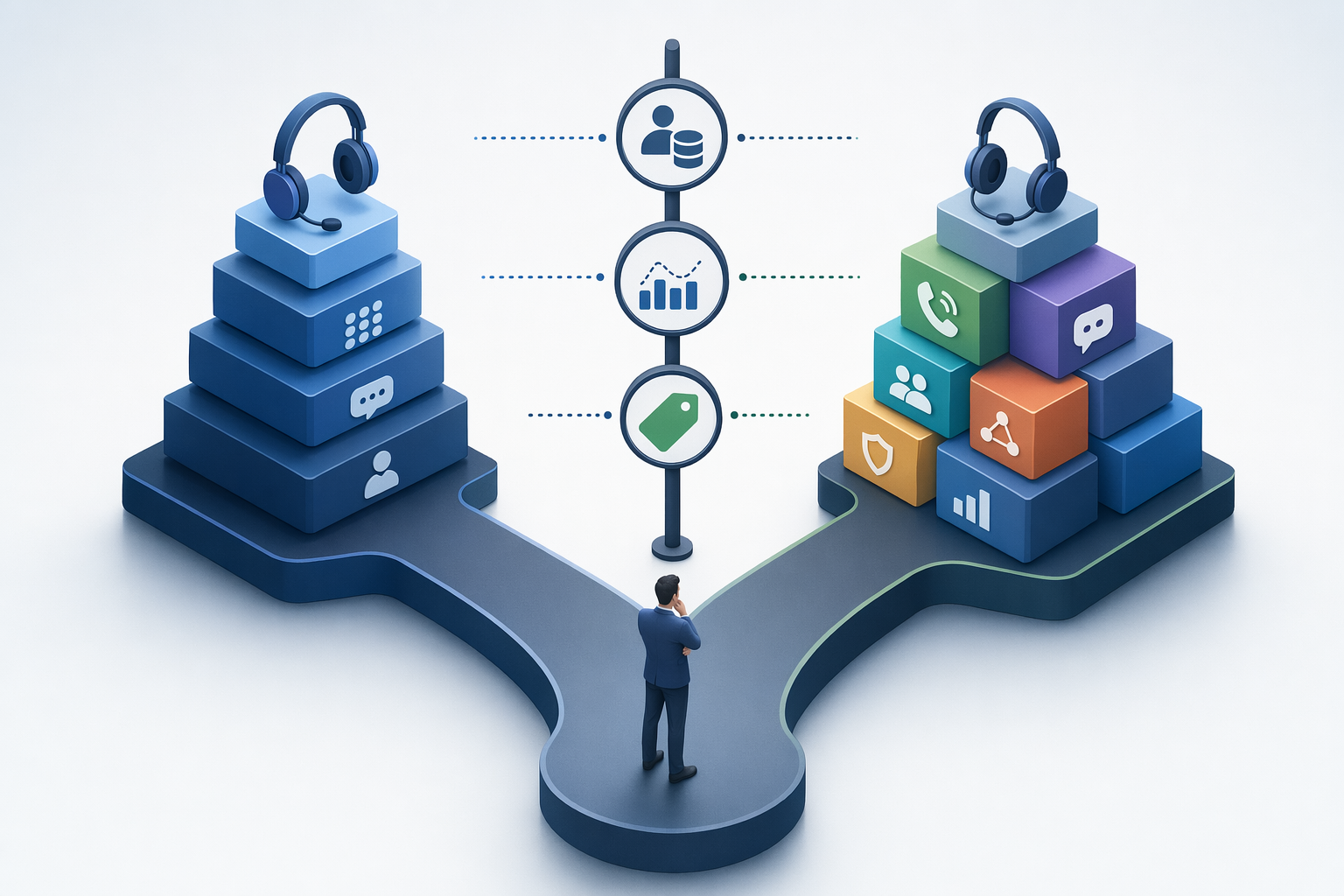
Unified Platforms: Best for Shared-Context Support Teams
Unified platforms shine when inbound support tickets and outbound follow-up campaigns draw from the same customer records. If a support agent who just resolved a billing inquiry needs to see that the account also has an upsell opportunity flagged by the sales team, preserving context across call directions becomes key. Contact center software vendors describe this as the core benefit of omnichannel solutions: one unified view of all customer communications, whether initiated inbound or triggered outbound, ensures agents never ask customers to repeat information or miss context from prior interactions.
EchoLeads exemplifies this approach by synchronizing call results directly into CRM systems and deploying unlimited agents within one centralized system to handle multiple conversations simultaneously. Nextiva and Sinch Contact Pro operate similarly: one license, one agent dashboard, and shared records mean an agent answering an inbound support call can immediately pivot to scheduling an outbound follow-up without switching tools. This continuity reduces handoff friction and eliminates the record-duplication risks inherent in maintaining separate inbound and outbound databases.
Specialized Tools: When Inbound and Outbound Are Separate Workflows
Some teams structure inbound support and outbound sales as organizationally distinct functions with non-overlapping customer records. In these scenarios, best-of-breed stacks, where Zendesk handles inbound support tickets and Dialpad powers outbound sales dialers, can deliver deeper feature sets for each workflow without forcing agents to navigate a single platform's compromises. There are two types of contact center solutions: unified platforms and specialized tools, each optimized for different organizational structures.
Specialized stacks make sense when inbound support teams measure success by ticket resolution time and customer satisfaction scores, while outbound sales teams track dial-to-connect ratios and meeting-booking rates. The key risk is integration complexity: if a support agent needs to check whether a customer has an open sales opportunity, that query must traverse an API handshake between Zendesk and Dialpad. Teams that maintain strict separation, where support agents never initiate outbound campaigns and sales reps never field support tickets, sidestep this risk entirely. AI voice agents that automate qualification workflows can bridge the gap by routing leads to the appropriate specialized tool based on intent signals detected during the initial call.
Cost Models: Per-Seat vs. Usage-Based Pricing for Dual-Mode Deployment
Pricing structures amplify the unified-versus-specialized trade-off. Per-seat licensing, where you pay a fixed monthly rate per agent, then consume unlimited inbound and outbound calls, favors high-volume teams with predictable headcount. If your support center staffs twenty agents who collectively handle 15,000 calls per month across both directions, per-seat pricing delivers cost certainty. Usage-based pricing, where you pay per connected call or per minute, suits teams with intermittent dual-mode activity or seasonal support spikes.
EchoLeads operates on a usage-based pricing model, allowing customers to only pay for what they use and scale up or down as needed. This structure benefits teams launching pilot programs or handling unpredictable call volumes, as marginal costs track actual usage rather than locking in monthly commitments. Verify pricing structures with vendors directly, as the available dataset does not provide authoritative side-by-side comparisons of per-seat versus per-minute licensing across platforms.
If your outbound call campaigns aren't converting leads as expected, review the outbound diagnostics guide to identify workflow bottlenecks before switching platforms.
Choosing the Right Dual-Mode Platform
Unified platforms like Nextiva, EchoLeads, and Sinch Contact Pro suit teams needing shared customer context across inbound support and outbound follow-up, while specialized tools (Aircall inbound plus Dialpad outbound) fit separate workflows with distinct agent pools. Per-seat licensing works for high-volume teams with predictable agent counts; usage-based pricing fits intermittent dual-mode use or seasonal support spikes, verify pricing structures with vendors before committing.
As AI voice agents automate more qualification and routing tasks, the market will increasingly favor platforms that integrate AI-driven workflows with human escalation logic for high-intent and compliance-sensitive conversations. Expect deeper CRM integrations and omnichannel context retention to become table-stakes features by 2027.
Audit your current inbound and outbound call workflows against the Dual-Mode Fit Score criteria, then compare EchoLeads, Expeed, Retell AI, Aloware, and Ringg AI to find the platform that preserves customer context across both call directions for your team. Verify licensing models, CRM sync depth, and compliance features with vendors directly.
Frequently Asked Questions
What is the difference between inbound and outbound call handling for customer support?
Inbound calls are customer-initiated support queries requiring automatic routing to the right agent, while outbound calls are company-initiated follow-up campaigns requiring cadence logic and TCPA compliance. Research shows 80% of sales require five follow-up calls, underscoring the distinct workflow needs for each call direction.
Can one platform handle both inbound customer support and outbound sales calls?
Yes, unified contact-center platforms like Nextiva, INO CX, Sinch Contact Pro, and EchoLeads handle both directions with shared customer context and CRM integration under one license. Some vendors market inbound and outbound as separate products requiring distinct licenses, creating workflow silos.
What CRM integrations are essential for dual-mode call platforms?
Platforms must sync customer timelines, not just log call metadata, so inbound support cases and outbound follow-up campaigns share context. Aircall syncs customer details across tools so callers don't repeat themselves, while platforms offering 6,000+ tool integrations demonstrate the depth of CRM connectivity required.
Do I need separate compliance workflows for inbound vs. Outbound calls?
Yes. Outbound automation requires TCPA compliance, DNC list management, and state-specific call-recording consent, while inbound calls typically only require recording notification. Platforms handling outbound campaigns must include automated DNC scrubbing, consent workflows, and time-zone-aware dialing restrictions. Verify vendor-specific compliance features directly.
When should I choose a unified platform over separate inbound and outbound tools?
Choose unified platforms when the same team handles both inbound support tickets and outbound follow-up campaigns and needs shared customer context. Specialized tools suit separate teams with distinct workflows: support teams measuring resolution time versus sales teams tracking dial-to-connect ratios. [3]
What is the role of AI voice agents in dual-mode call platforms?
AI voice agents automate qualification and routing tasks for both call directions, automatically qualifying leads and setting up meetings. [1][2] They function best as workflow-automation layers atop CRM platforms, not full replacements, high-intent or sensitive conversations require human escalation with full conversation history transferred. [1]
How do human escalation workflows differ between inbound and outbound calls?
Inbound escalation triggers on sentiment (angry customer), complexity (multi-step issue), or compliance risk, while outbound transfer triggers on qualification signals like high-intent leads identified by AI for sales handoff. Support teams measure ticket resolution time; sales teams track meeting-booking rates, requiring distinct escalation logic. [3]