
AI WhatsApp Agent for Lead Qualification & Booking (2026)
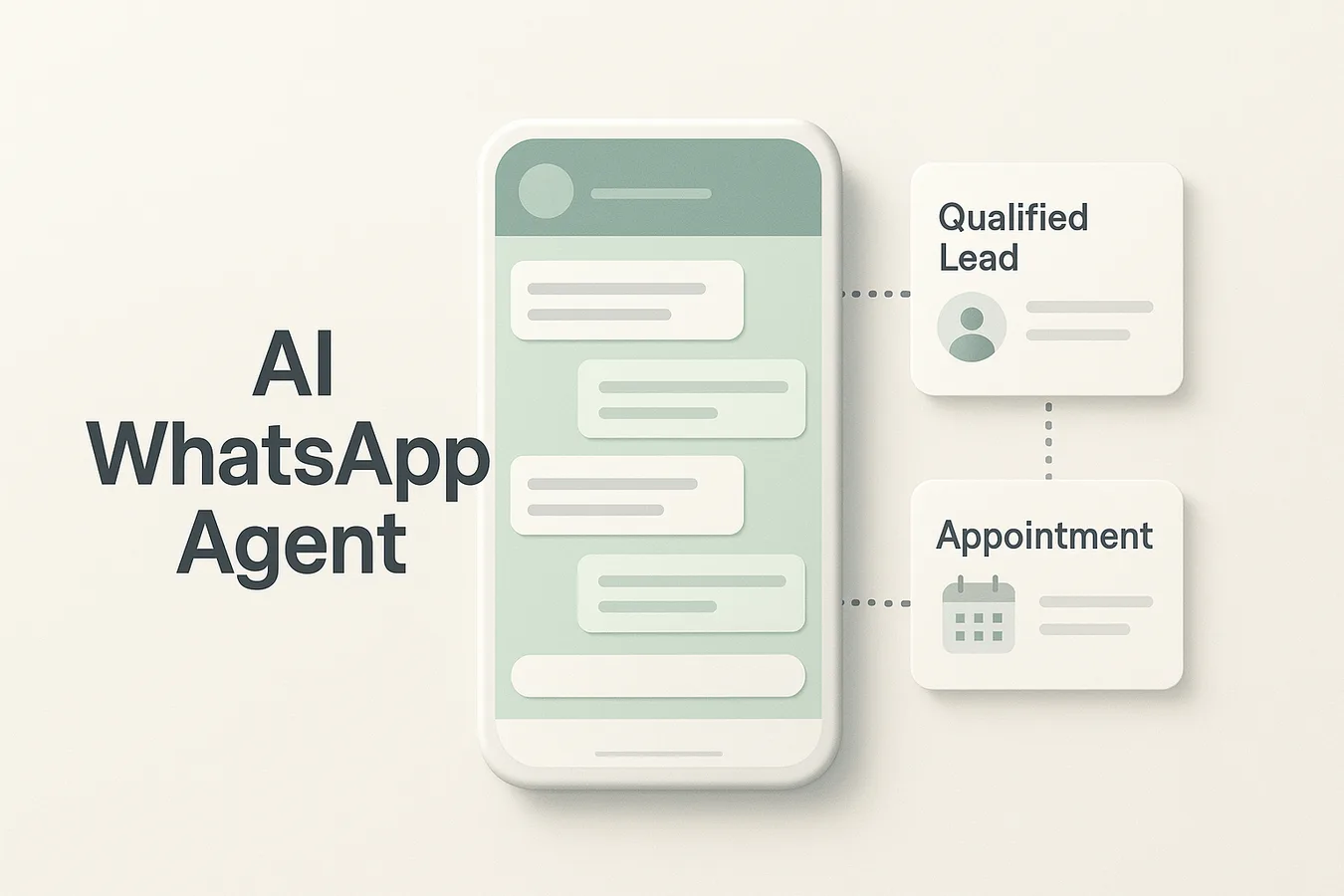
Businesses receive hundreds of WhatsApp inquiries weekly, yet most struggle to qualify leads and book appointments without manual intervention. Automated WhatsApp agents now handle both tasks end-to-end, but platform capabilities vary dramatically.
Key Takeaways
Legitimate WhatsApp automation requires the official Business API from Meta, enforcing opt-in consent and pre-approved message templates [2]
Advanced platforms maintain conversation state across WhatsApp, voice, and web chat, preserving qualification context when leads switch channels [6]
Compliance automation depends on three pillars: opt-in systems, 24-hour conversation window enforcement, and human escalation for sentiment and regulatory risks
Full-autonomy mode handles predictable workflows end-to-end, while confidence-threshold systems escalate complex conversations to human agents [7]
Platform choice hinges on whether your workflow prioritizes cross-channel continuity, webhook-based CRM integration, or timezone-aware booking accuracy
Yes, multiple platforms now offer tools that automatically qualify leads and book appointments through WhatsApp. These systems combine conversational AI with WhatsApp Business API integration to handle inbound inquiries, extract qualification data, sync with calendars, and confirm bookings—entirely without human intervention for routine interactions.
Core Capabilities: Qualification, Scheduling, and Confirmation
An automated WhatsApp booking tool must execute three operational stages. First, it extracts qualification data through conversational flows—budget, timeline, decision authority, and specific needs—while retaining context across sessions [6]. Second, it performs bi-directional CRM synchronization, checking availability in connected calendars (Google, Outlook, proprietary systems) and proposing timezone-aware slots [3]. Third, it delivers confirmation workflows: sending appointment details via WhatsApp, cross-posting to email or SMS, and handling reschedule requests without routing to a human agent. Modern AI-driven systems handle 70–85% of incoming chats end-to-end [1], responding in under 5 seconds on average with 24/7 coverage, a speed advantage impossible for human-only teams to match.
WhatsApp Business API Foundation and Compliance Gates
Legitimate automation requires the official WhatsApp Business API [2], not consumer-app workarounds that violate Meta's terms and trigger account bans. The API enforces three non-negotiable constraints: explicit opt-in from recipients before automation begins, pre-approved message templates for outbound campaigns, and a 24-hour conversation window, businesses can send free-form messages only within 24 hours of the last customer reply [8]. Platforms like Interakt and Zaple.ai build on this API foundation, layering AI chatbots, CRM connectors, and scheduling logic atop Meta's compliance framework. These gates ensure deliverability and legal operation, but they also mean tools cannot cold-message prospects or send unrestricted promotional content outside active conversations.
Understanding what qualifies as legitimate automation sets the foundation, but operational success depends on how platforms execute qualification, booking, and continuity workflows under real-world constraints.
Core Workflow Requirements: Qualification, Booking, and Continuity
Multi-Session Context Retention and Lead Routing Logic
Advanced WhatsApp agents maintain conversation state across multiple sessions, treating each lead as a continuous thread rather than isolated messages. Platforms like respond.io and Wati preserve qualification data when a lead returns hours or days later, eliminating redundant questions. Strong routing logic automatically directs qualified leads to booking flows, escalates high-value prospects to human reps, or triggers nurture sequences for those not yet ready, decisions driven by scoring thresholds rather than manual triage. This contextual memory distinguishes professional tools from basic chatbots that reset with every new conversation.
CRM Integration: Webhook Delays vs. Cloud-Native Sync
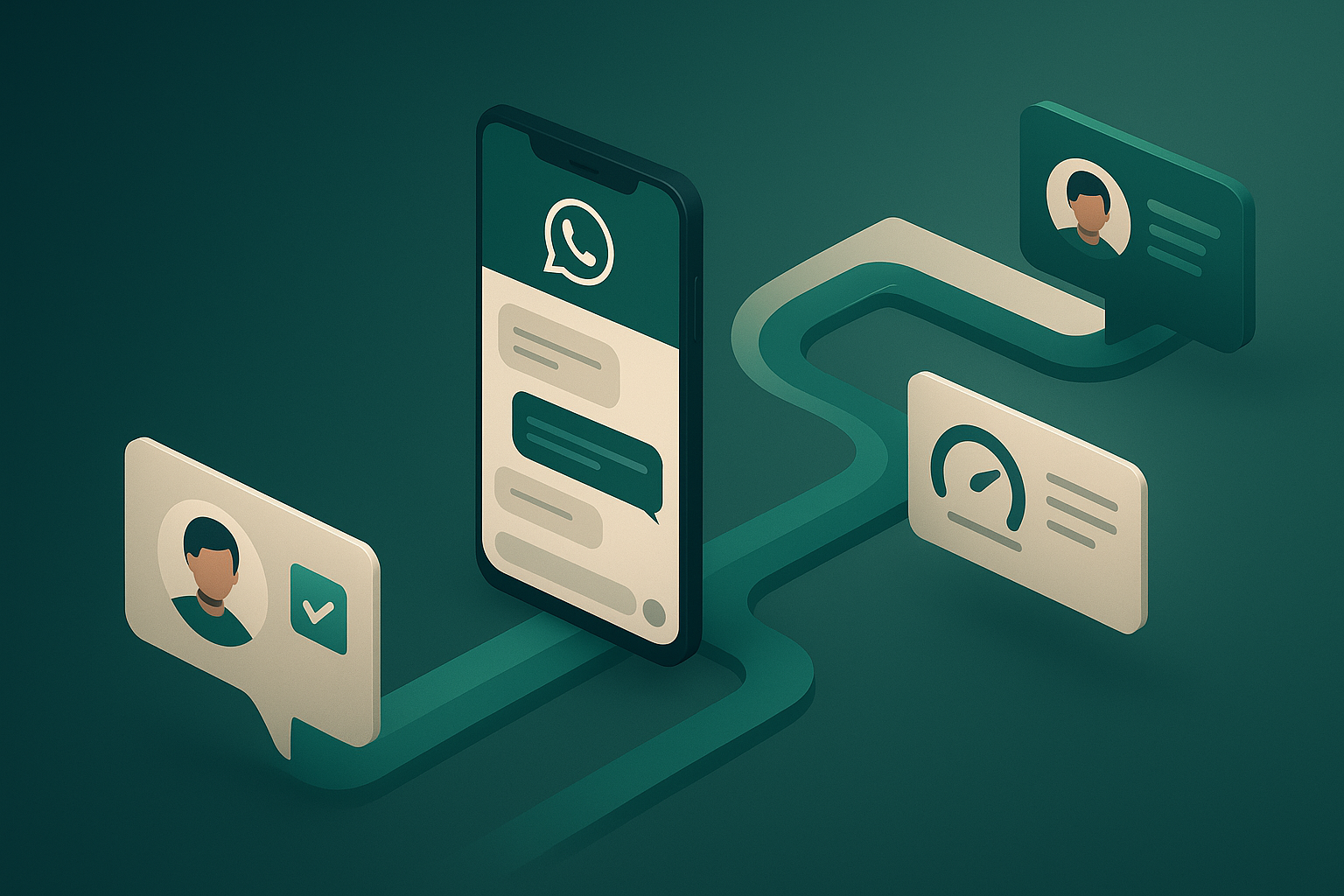
Webhook-based CRM updates introduce slight delays, typically seconds to minutes, when syncing lead data to on-premise systems like custom Salesforce deployments. Cloud-native connectors offered by platforms such as Wati deliver bi-directional real-time sync, pushing qualification updates and pulling calendar availability instantly. This architectural trade-off matters for high-velocity teams: deeper CRM integration can reduce sales cycles by up to 30% [3] by ensuring reps see current lead status without manual lookups. Evaluate whether your CRM infrastructure supports cloud APIs or requires webhook middleware before committing to a platform.
Cross-Channel Continuity: WhatsApp, Voice, and Web Chat
Qualification accuracy improves when a lead can begin on WhatsApp and seamlessly switch to voice or web chat without repeating context. Few platforms handle this well: most treat each channel as a siloed conversation. Fuzen and multi-channel AI orchestration tools preserve qualification data across touchpoints, allowing a prospect who texts initial interest to take a follow-up call where the agent already knows their requirements. This unified context reduces friction, accelerates decision-making, and prevents the frustration of re-explaining needs, a workflow gap many single-channel competitors omit entirely.
Even the most sophisticated qualification and booking workflows become liabilities without strong compliance safeguards and human escalation protocols built into the automation architecture.
Compliance and Human Escalation: Non-Negotiable Safeguards
Opt-In Collection, Message Templates, and 24-Hour Window Mechanics
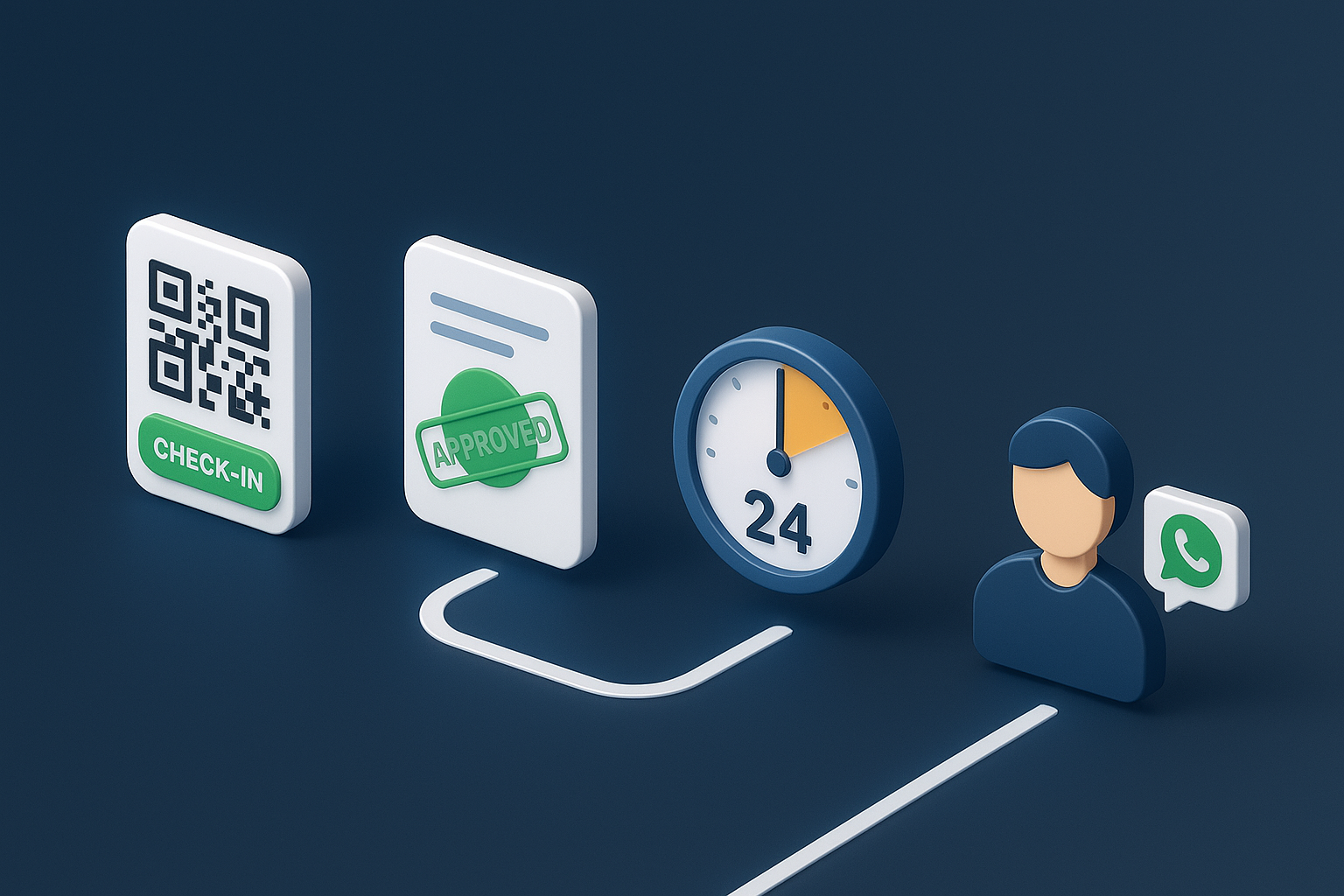
Enterprise WhatsApp automation rests on three compliance pillars. First, explicit opt-in collection: platforms must capture documented consent before initiating conversations, typically through web forms, QR codes, or click-to-chat buttons. Second, pre-approved message templates: Meta requires businesses to submit promotional and transactional templates for review; agents can only send approved messages for initial outreach. Third, 24-hour window respect: after a customer's last reply, the conversation window closes for promotional content, agents may only send session messages within that window or use approved templates to re-engage [8].
When to Trigger Human Escalation: Complexity, Sentiment, and Compliance Risk
Safe automation depends on a three-trigger escalation framework. Conversation complexity signals, custom pricing requests, multi-step objections, or technical troubleshooting, indicate the AI has reached its contextual limit. Sentiment risk monitors tone: sustained negative language, frustration markers, or explicit dissatisfaction trigger immediate handoff. Compliance red flags, opt-out phrases ("stop," "unsubscribe"), requests for sensitive data, or policy violations, require human review. Platforms that implement this logic see improved outcomes: one case study documented an 80% conversion rate precisely because escalation preserved trust at critical decision points, demonstrating that human handoff enhances rather than hinders automation performance [7].
With compliance and escalation frameworks established, the next step is evaluating which platforms deliver the best combination of lead qualification depth, booking reliability, and CRM integration architecture.
Platform Comparison: Key Capabilities for WhatsApp Automation
The WhatsApp Agent Readiness Index evaluates platforms across five dimensions: lead qualification depth, appointment booking reliability, response speed, CRM integration architecture, and compliance safeguards. The table below compares five platforms using verified data and third-party citations.
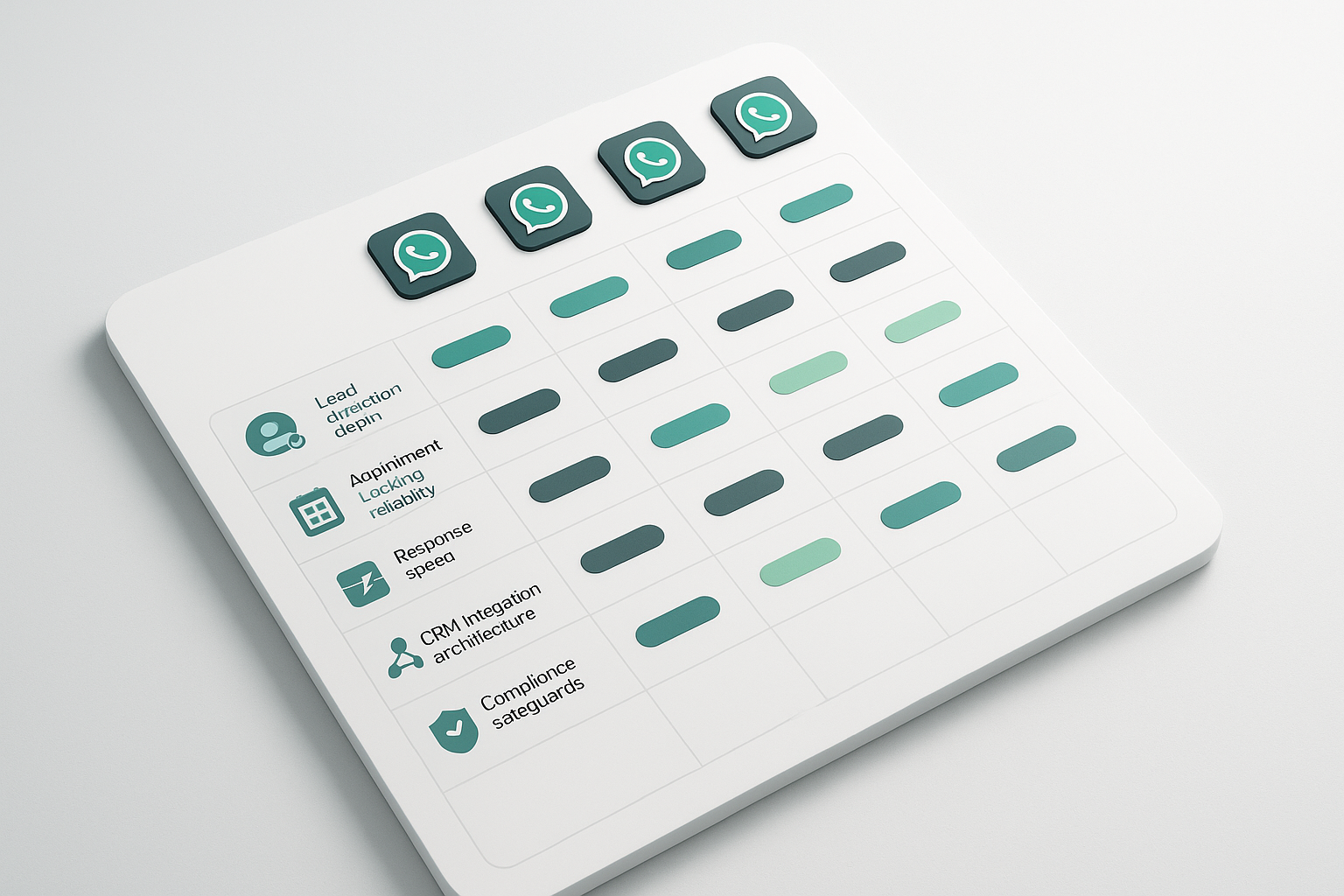
Platform | Lead Qualification | Appointment Booking | Response Speed | CRM Integration | Compliance |
|---|---|---|---|---|---|
EchoLeads | Adaptive AI qualification scripts; retains voice-level context | Automated booking with calendar sync; limited to pre-approved templates in initial 24 hours | Real-time chat responses | Bi-directional CRM sync, ad platform triggers | Automated opt-in, message monitoring |
Wati | Inbound intelligence agents automatically qualify leads [1] | Appointment acceleration features [1] | Under 24 hours first response [1] | Over 100 app integrations [1] | Meta Business API compliant [1] |
Whappy | AI-driven lead capture from ads [4] | Converts ad leads into booked appointments [4] | Fast auto-reply (<5 sec median) [1] | CRM sync available [4] | Meta-compliant API [4] |
Leads Loom | AI handles 85% of routine chats [1] | Automated booking workflows [1] | <5 sec median auto-reply [1] | CRM sync [1] | Meta Business API compliant [1] |
Fuzen | AI chatbot qualification flow [5] | Automated appointment booking on WhatsApp [5] | Instant auto-reply [5] | WhatsApp Automation CRM [5] | Meta Business API compliant [5] |
EchoLeads, Wati, and Leads Loom offer the most thorough compliance architectures with automated opt-in systems and message monitoring. Whappy and Leads Loom emphasize speed-to-booking, achieving sub-5-second median response times for high-intent prospects.
Platform comparisons reveal broad capability differences, but examining how specific systems handle cross-channel continuity and timezone-aware booking clarifies what enterprise-grade WhatsApp automation looks like in practice.
How EchoLeads Handles Multi-Channel Qualification and Timezone-Aware Booking
Cross-Channel Continuity: WhatsApp, Voice, and Web Chat in a Single Flow
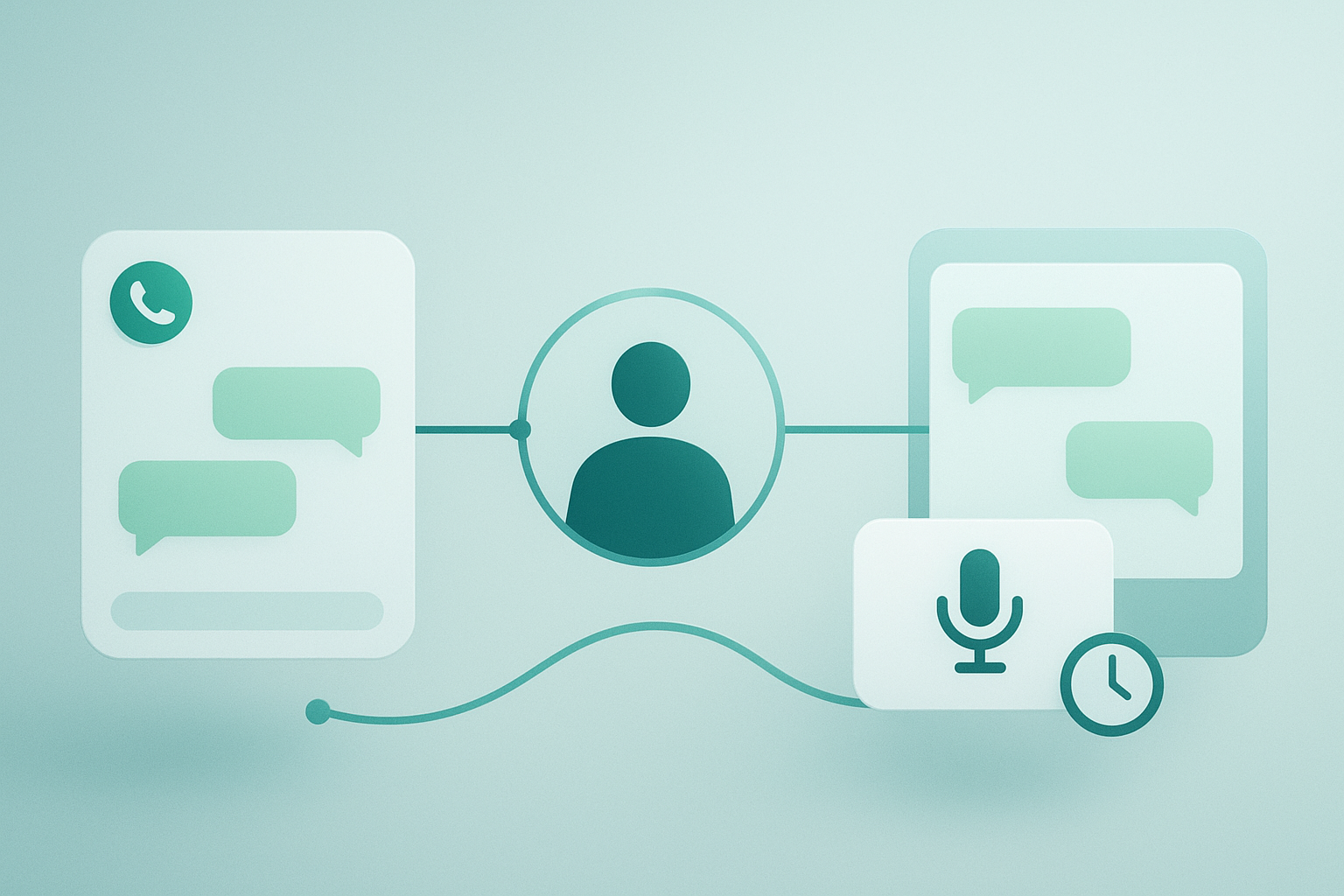
EchoLeads supports AI WhatsApp appointment booking, confirmations, and rescheduling while retaining conversation continuity across multiple channels for a consistent customer experience. When a lead starts a qualification conversation on WhatsApp and switches mid-flow to voice or web chat, EchoLeads' WhatsApp agent retains the context of voice-level conversations through chats, seamlessly enabling lead nurturing, automated follow-ups, and live qualification. The system handles simultaneous conversations across phone, WhatsApp, and Instagram, allowing leads to move between channels without repeating information already provided.
Timezone-Aware Scheduling and Automated Confirmation Calls
The scheduling automation includes timezone-aware booking and automated confirmation calls, allowing prospects in different regions to book appointments without manual timezone conversion. The platform provides 24/7 booking availability and integrates with calendar systems for real-time availability checks and automatic scheduling. Automated confirmation calls reduce no-show rates by reaching leads before scheduled appointments, verifying attendance intent without human intervention.
Strengths and Limitations
Strengths: Multi-channel continuity keeps qualification context intact when leads switch between WhatsApp, voice, and web chat. The platform offers confidence-threshold human review, allowing agents to escalate uncertain qualifications before booking. Full-autonomy mode handles routine bookings end-to-end without requiring human approval.
Limitations: Webhook delays may affect real-time CRM updates for on-premise systems. High-volume Instagram use requires rate-limit throttling to remain compliant with platform policies.
After evaluating platform capabilities, the final decision centers on whether your use case justifies full-autonomy speed or requires confidence-threshold human review to manage conversation complexity and compliance risk.
When to Choose Human-in-the-Loop vs. Full-Autonomy Models
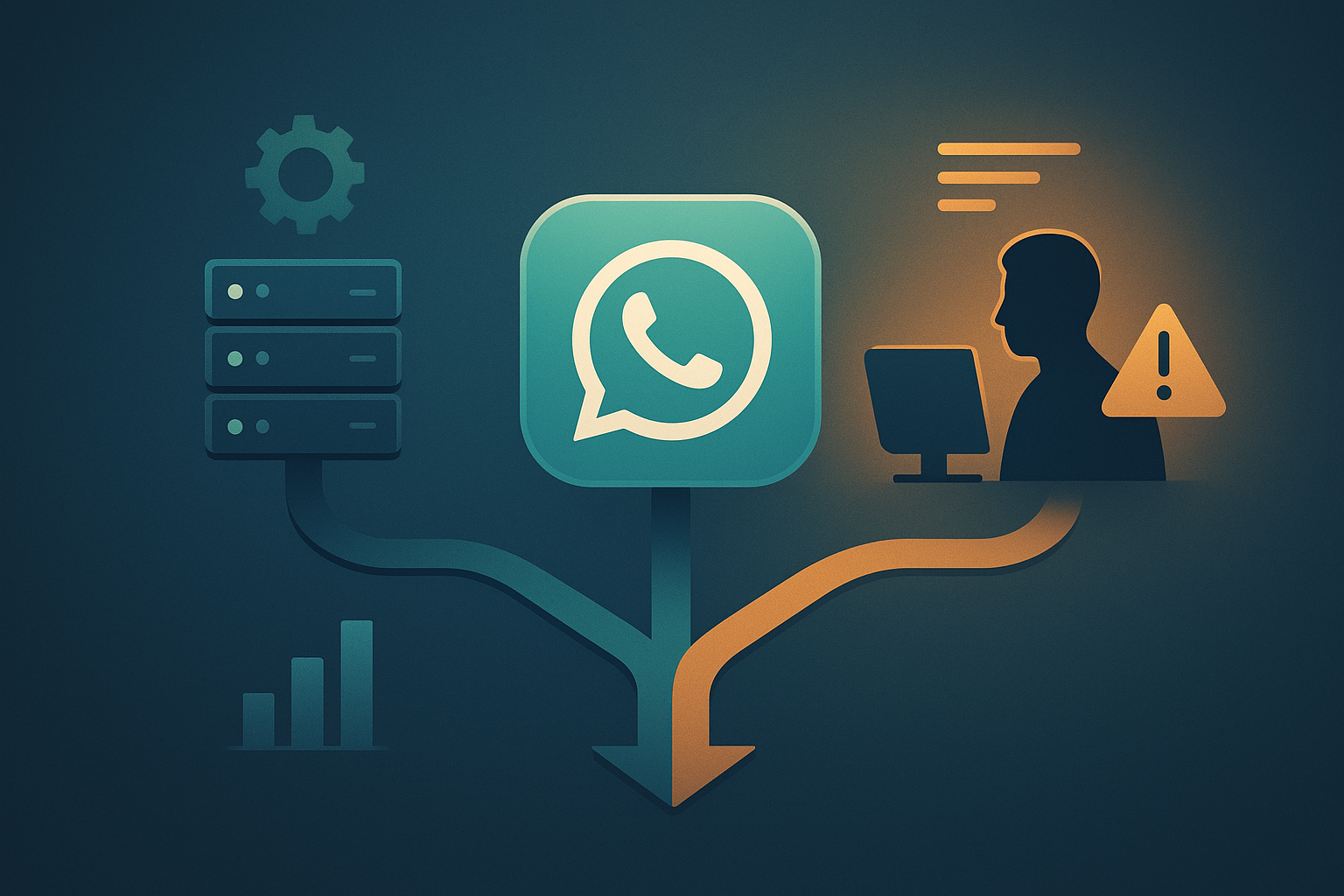
Choosing between full autonomy and human-in-the-loop depends on conversation complexity, volume predictability, and compliance risk. High-volume, low-stakes interactions favor full autonomy; high-stakes or nuanced conversations benefit from confidence-threshold escalation.
Full-Autonomy Mode: Routine Bookings and Standard Inquiries
Full-autonomy mode handles predictable workflows end-to-end without human intervention. Platforms like EchoLeads operate in this mode for standard demo bookings, product inquiry follow-ups, appointment confirmations, and tier-1 qualification workflows where conversations follow recognizable patterns. This approach scales efficiently when 80% or more of interactions fit a defined script, allowing AI to book appointments, sync calendars, and update CRM records autonomously.
Confidence-Threshold Human Review: When Clarity Falls Below Preset Levels
Confidence-threshold systems monitor conversation clarity, sentiment, and compliance risk in real time. When these signals fall below safe autonomy thresholds, unclear intent, negative sentiment, or regulatory sensitivity, the system escalates to a human agent with full conversation context. This hybrid model suits businesses where fewer than 50% of conversations are routine; start with human review and automate incrementally as patterns emerge. For predictable workflows, deploy full autonomy first and layer in confidence thresholds for edge cases.
Platforms offering cross-channel continuity, WhatsApp, voice, and web chat, improve qualification accuracy but introduce integration complexity compared to single-channel automation tools that deploy faster. Full-autonomy booking delivers the highest speed-to-conversion for routine use cases, but confidence-threshold human review models reduce risk in high-stakes or compliance-sensitive workflows.
As WhatsApp's Business API evolves and AI models improve context retention across longer conversation threads, expect the line between full-autonomy and human-review models to blur, platforms will likely offer dynamic escalation where the AI self-assesses conversation complexity in real time.
Compare EchoLeads, Wati, and Leads Loom side-by-side using the WhatsApp Agent Readiness Index to find the platform that matches your compliance requirements and automation depth. Use the decision framework, routine versus complex use cases, to determine whether full-autonomy or confidence-threshold escalation fits your workflow.
Frequently Asked Questions
Can WhatsApp agents book appointments without human intervention?
Yes, when configured in full-autonomy mode for routine use cases like standard demo bookings and appointment confirmations. Platforms operate in this mode for predictable workflows, product inquiry follow-ups, tier-1 qualification, and appointment confirmations, where conversations follow recognizable patterns. For complex scenarios requiring custom pricing or technical troubleshooting, confidence-threshold systems escalate to human agents.
What is the WhatsApp Business API and why is it required?
The WhatsApp Business API is the official platform from Meta required for legitimate automation [2]. It enforces three non-negotiable constraints: explicit opt-in from recipients before automation begins, pre-approved message templates for initial outreach, and a 24-hour conversation window [1]. Consumer-app workarounds violate Meta's terms and trigger account bans [2].
How do WhatsApp agents handle multi-channel conversations?
Advanced platforms retain conversation context when a lead switches from WhatsApp to voice or web chat, eliminating repeated qualification questions. Most platforms treat each channel as a siloed conversation, but multi-channel AI orchestration tools preserve qualification state across touchpoints [3]. This cross-channel continuity improves accuracy but introduces integration complexity.
What are the compliance risks of WhatsApp automation?
Main risks include lack of opt-in consent, unapproved message templates, and violating the 24-hour conversation window enforced by the WhatsApp Business API [2]. Platforms mitigate these with automated opt-in systems that capture consent before initiating conversations [1] and message monitoring that flags compliance violations before they trigger account penalties.
When should a WhatsApp agent escalate to a human?
Escalation is triggered by three factors: conversation complexity (custom pricing requests, multi-step objections, technical troubleshooting), sentiment risk (negative tone detection), and compliance red flags (opt-out language). Confidence-threshold systems monitor conversation clarity and sentiment in real time, escalating to human agents with full context when signals fall below safe autonomy thresholds.
How do webhook-based CRM integrations differ from cloud-native sync?
Webhook-based integrations introduce slight delays, typically seconds to minutes, when syncing lead data to on-premise or custom CRM systems. Cloud-native connectors deliver bi-directional real-time sync, pushing qualification scores and appointment details instantly [3]. Choose webhooks for legacy infrastructure; choose cloud-native for instant visibility into WhatsApp conversations.
Can WhatsApp agents handle timezone-aware booking?
Yes, platforms detect lead timezone from conversation context or phone number metadata and schedule appointments accordingly. Automated confirmation calls are triggered in the lead's local timezone to reduce no-show rates. This capability is key for multi-region sales teams managing leads across continents, ensuring prospects book appointments at convenient local times.
Related articles
6 Best AI Outbound Calling Solutions for Loan Verification
Compare AI outbound calling platforms that verify loan applications 24/7
5 Common Causes of Long Bank Loan Inquiry Call Wait Times
Why do bank customers complain about long wait times for loan inquiry calls? Learn the 5 Common Causes of Long Bank Loan Inquiry Call Wait Times.
4 Best AI Voice Lead Qualification Tools for Insurance
Compare AI voice platforms for insurance lead qualification through automated outbound calls.