
How Healthcare Offices Manage Appointment Calls During Busy Periods (2026 Guide)
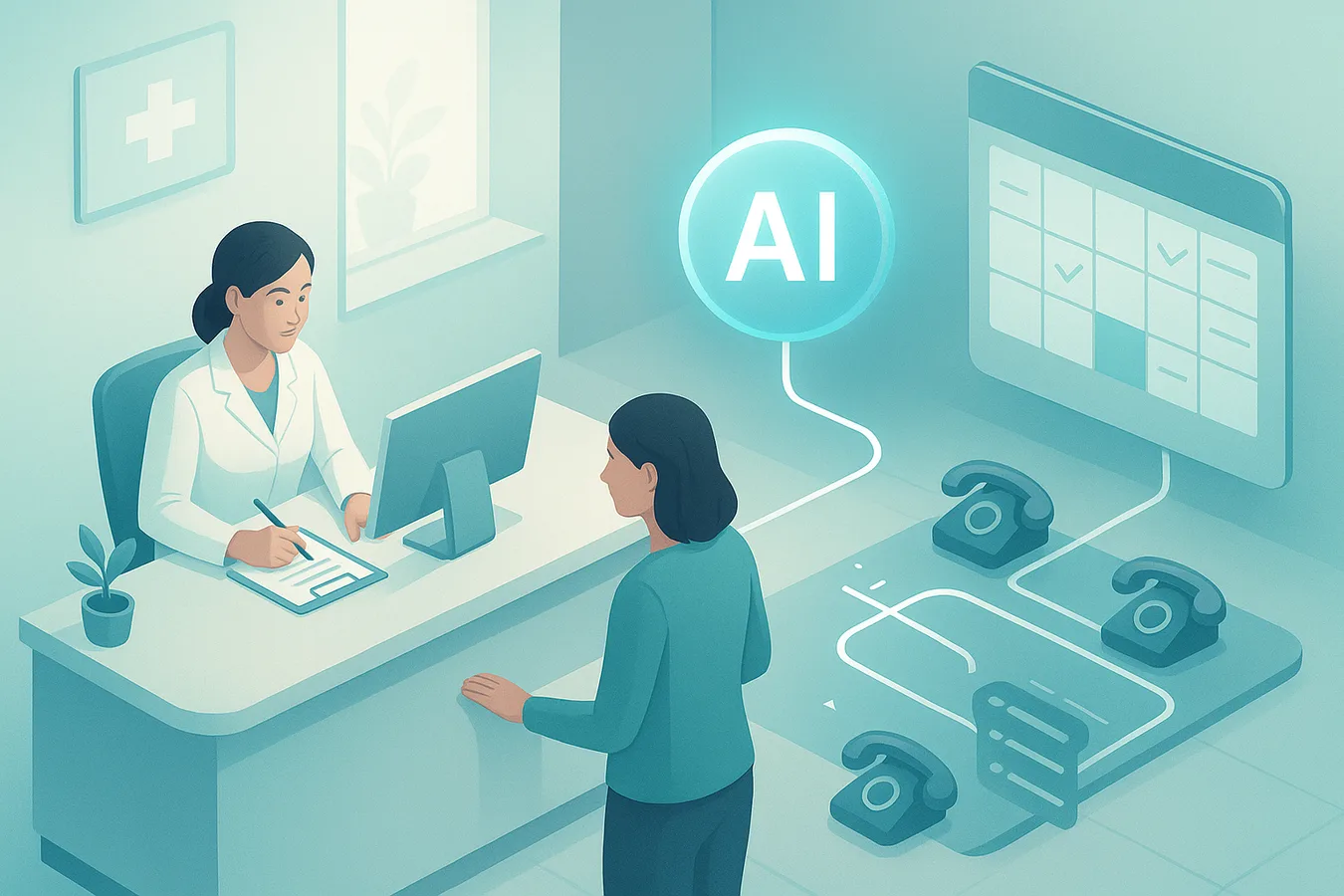
Healthcare offices lose appointments every day when clinical staff cannot answer phones during patient consultations. AI voice automation now handles scheduling calls autonomously, ensuring no inquiry goes unanswered.
Key Takeaways
AI voice automation answers appointment calls 24/7 while clinical staff focus on direct patient care
HIPAA-compliant platforms require Business Associate Agreements, encrypted call recording, and audit logs
Real-time EHR integration prevents double-booking and eliminates manual data entry
Human escalation protocols handle urgent symptoms, insurance disputes, and high-complexity scenarios
Weekly call metrics—answer rate, escalation frequency, patient feedback—refine routing rules and measure satisfaction
Healthcare offices handle appointment calls during patient care periods using AI voice automation systems — autonomous platforms that answer, screen, and route inquiries 24/7 while clinical staff remain focused on delivering direct care. This technology addresses a structural conflict that traditional staffing models cannot solve: the impossibility of answering phones while actively treating patients.
The Operational Triage Conflict: Simultaneous Patient Care and Phone Answering
Clinical staff physically cannot answer phones during consultations, procedures, or direct care delivery. When a nurse is changing a wound dressing or a front-desk staffer is checking in a patient, incoming appointment calls go unanswered or roll to voicemail — creating an immediate access barrier for patients who need to schedule care. Nearly 90% of patients continue to book appointments by phone at least some of the time,[2] yet healthcare delivery requires staff to be fully present during patient interactions, making simultaneous phone coverage impossible without dedicated staffing.
Missed Calls, Delayed Callbacks, and Appointment Conversion Loss
Unanswered calls translate directly into lost appointments. Research shows that companies responding within one hour are almost 7x more likely to qualify a lead compared to those who wait even one additional hour, and 60x more likely than those who wait 24 hours or more.[1] In healthcare, every missed call represents a patient whose appointment request goes unaddressed until staff can return the call — by which time the patient may have already scheduled elsewhere or delayed needed care.
The 24/7 Availability Gap in Traditional Staffing Models
Traditional staffing operates during business hours, yet patients call before work, during lunch breaks, and after clinic hours close. Business-hours-only coverage systematically excludes working patients who cannot call during 9-to-5 windows, and weekend inquiries accumulate until Monday morning when staff return, creating multi-day response delays that compound the conversion loss identified in lead-response research.
Understanding why appointment calls create bottlenecks is the first step; implementing AI voice automation is the proven solution.
How AI Voice Automation Solves the Call Handling Bottleneck
When front-desk staff are occupied with in-person patients, appointment calls go unanswered or straight to voicemail. AI voice automation removes this bottleneck by handling inbound calls autonomously, 24 hours a day. The most common use of voice AI in healthcare is handling inbound appointment calls, and platforms designed for healthcare deliver appointment booking, rescheduling, lead qualification, and multi-lingual conversations. This section explains how AI voice systems address overflow, protect patient data, and synchronize bookings in real time.
24/7 Answering and After-Hours Appointment Capture
AI voice systems take over when the office closes or staff are unavailable. AI voice systems receive after-hours calls, route to relevant departments, and collect patient details, reducing missed inquiries and ensuring patients can schedule without waiting for business hours. Lyngo, trusted by over 1,500 clinicians, answers patient calls and books appointments directly into practice calendars around the clock. Square Appointments allows customers to book services 24/7, syncing availability in real time to prevent double-bookings. An AI medical receptionist handles routine administrative tasks, freeing human staff to focus on complex or sensitive inquiries during peak hours.
HIPAA-Compliant Call Handling and Patient Data Protection
Healthcare AI voice platforms must meet HIPAA requirements: encrypted call recording, role-based access controls, audit logs, and patient consent workflows. Platforms designed for medical practices include these safeguards by default, ensuring protected health information (PHI) remains secure during every interaction. When evaluating an AI voice solution, confirm that the vendor signs a Business Associate Agreement (BAA) and documents compliance with 45 CFR Part 164 (Security Rule). Non-healthcare automation tools lack the access controls, encryption standards, and audit trails HIPAA mandates, exposing practices to regulatory penalties and patient trust erosion.
Real-Time CRM and EHR Integration for Appointment Synchronization
AI appointment booking is only effective when it syncs instantly with the practice management system or EHR. Scheduling software that integrates with EHRs increases booking accuracy and efficiency, preventing double-bookings and maintaining up-to-date patient records. Square Appointments syncs in real time, automatically blocking off booked slots and personal events across all connected calendars. EchoLeads integrates with calendar systems for real-time availability checks and automatic scheduling, processing thousands of concurrent booking requests across phone, WhatsApp, and web chat. Without bi-directional sync, staff must manually reconcile AI-generated bookings with the EHR, reintroducing the administrative bottleneck the automation was meant to eliminate.
Platform | 24/7 Answering | Scheduling Integration | Call Routing | HIPAA Compliance |
|---|---|---|---|---|
EchoLeads | Yes | Real-time calendar sync | Department routing | Documented |
Lyngo AI | Yes | Cliniko, Nookal, PracSuite | Department routing | Documented |
Clinivocx | Yes | EHR integration | Priority-based | Documented |
Answering Agent | Yes | Calendar sync | Basic routing | Documented |
CCD Health | Yes | EHR integration | Department routing | Documented |
Before selecting any platform, healthcare offices must establish baseline metrics that reveal how many appointments are currently lost to unanswered calls.
Step 1: Audit Your Current Appointment Call Flow and Patient Impact
Before implementing any scheduling solution, healthcare offices need a baseline measurement of how appointment calls currently affect clinical productivity. Efficient appointment scheduling [5] is the backbone of hospital operations, matching patient appointments with available resources like physician availability and treatment rooms [5].[5] Start by quantifying three core metrics using your existing phone system and operational logs:
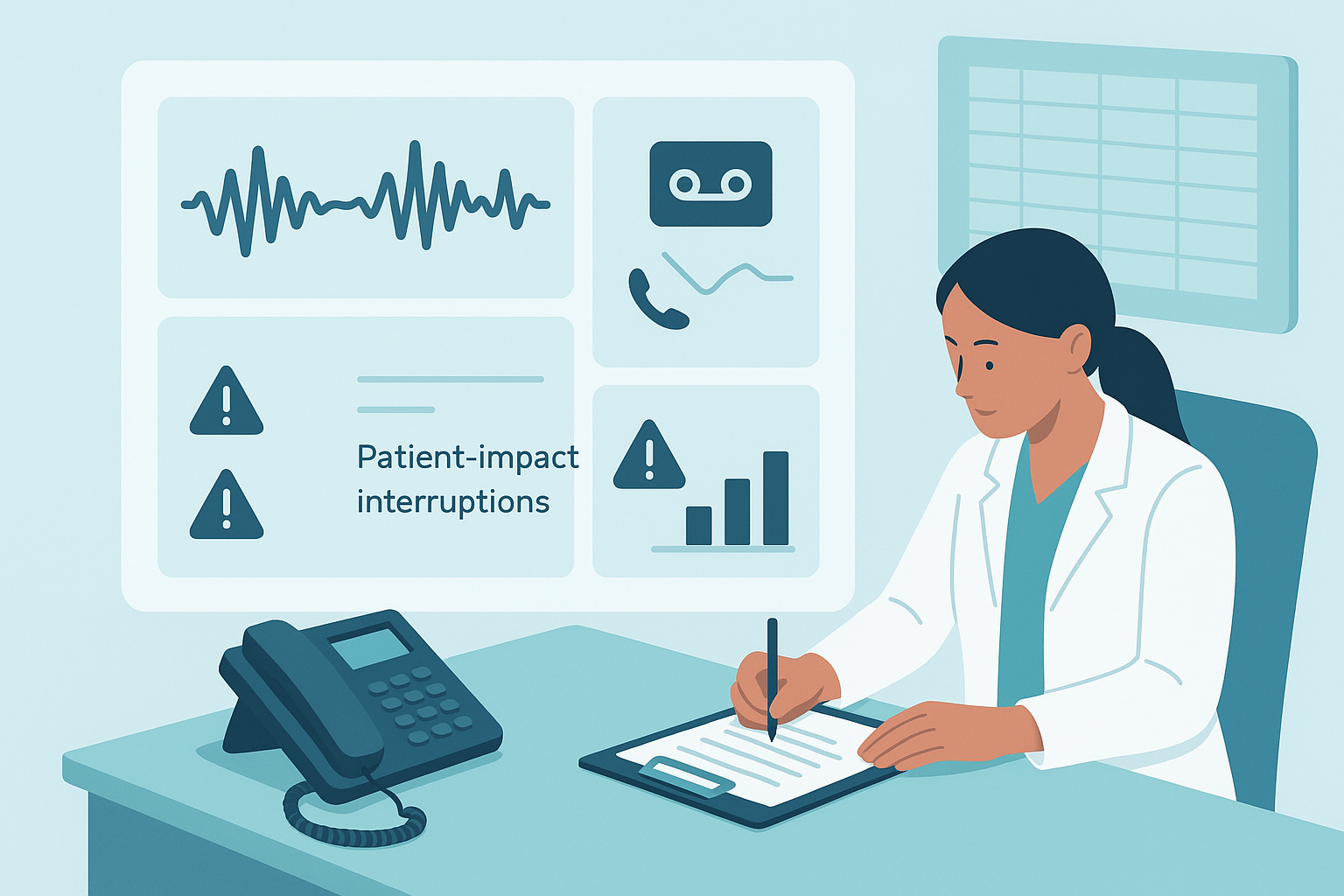
Track inbound call volume by time of day and day of week. Pull phone system reports for the past 30 to 60 days and categorize calls into hourly and daily buckets. Identify when call volume peaks, typically mid-morning (9 to 11 AM) and early afternoon (1 to 3 PM) when staff are simultaneously handling patient consultations and appointment requests. Note any patterns tied to specific days (Monday morning surges, Friday afternoon lulls) or seasonal trends (flu season, school physical season). This data reveals the hours when clinical staff face the highest interruption risk.
Measure missed calls, voicemail abandonment, and callback delays. Review voicemail logs and call routing reports to count: (a) calls that rang but were not answered, (b) voicemails left but never returned, and (c) the average time lag between a patient's call and the office's callback. If your phone system lacks detailed analytics, manually log missed calls for one representative week. Calculate the missed-call percentage (missed calls ÷ total inbound calls × 100) and average callback delay in hours. These numbers quantify lost appointment opportunities and patient friction.
Document staff interruptions during patient consultations. Ask clinical staff to track how many times per day they are interrupted by phone calls while with a patient, and the approximate duration of each interruption. A simple tally sheet kept at the front desk or in exam rooms for two weeks provides usable data. Multiply the average daily interruption count by the number of clinical staff to estimate total productivity loss. Cross-reference these interruptions with the call volume peaks identified in Step 1 to confirm when simultaneous demand creates the greatest strain on patient care continuity.
This three-step audit establishes the current-state metrics, call volume patterns, missed appointment conversion, and direct care interruptions, that will serve as the comparison benchmark when evaluating any scheduling automation tool.
With baseline data in hand, the next priority is identifying a voice platform that meets federal privacy standards and integrates with your existing systems.
Step 2: Choose a HIPAA-Compliant AI Voice Platform with Healthcare Workflows
Healthcare offices require AI voice platforms that meet federal privacy standards and integrate with existing practice management systems. The right platform automates appointment scheduling end-to-end [6] [6] while maintaining compliance and escalating complex cases to staff.
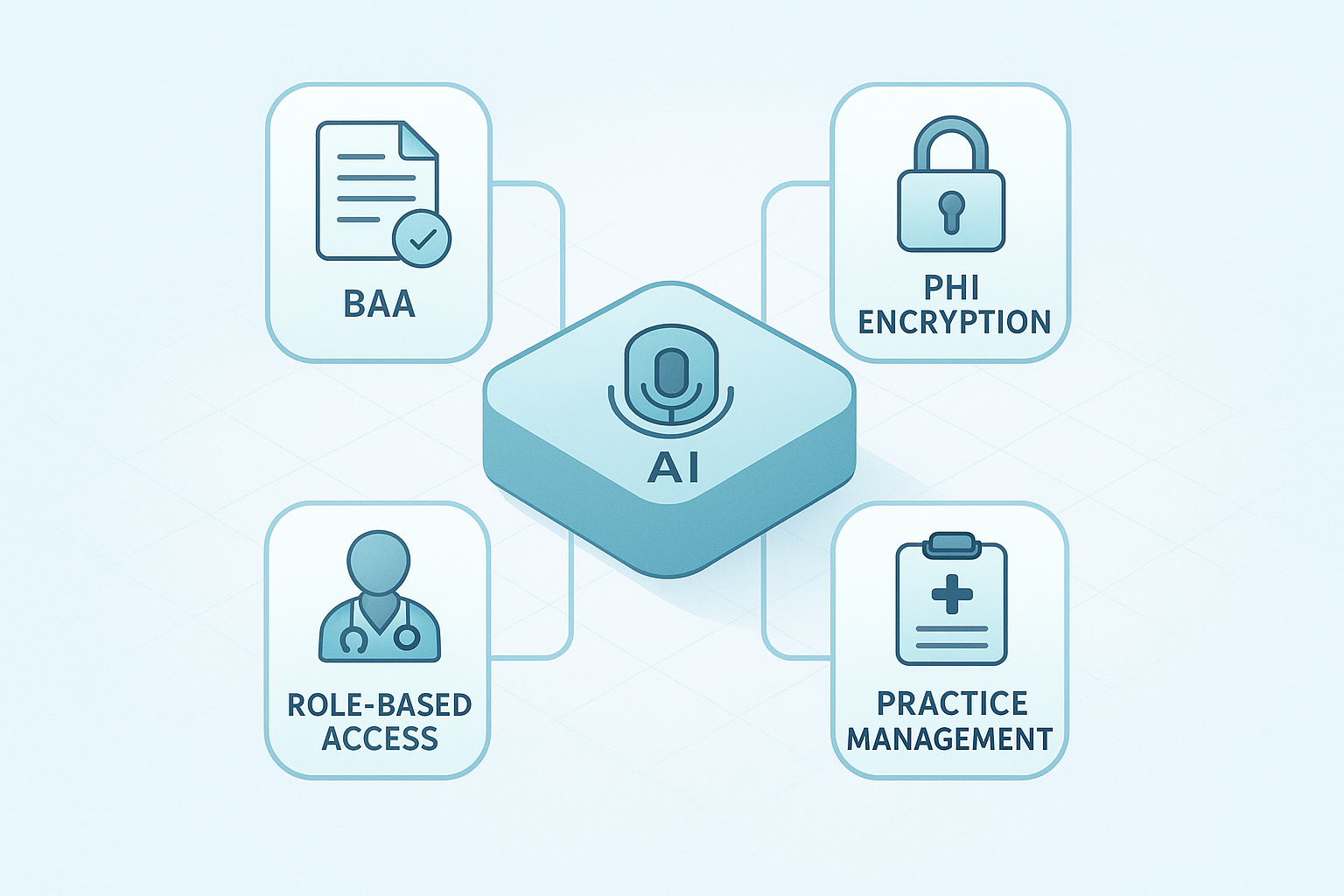
HIPAA Compliance Requirements: BAA, Encryption, and Access Controls
A compliant platform must sign a Business Associate Agreement (BAA) accepting liability for protected health information (PHI). Look for AES-256 encryption for data at rest and TLS 1.2+ for data in transit, plus role-based access controls that restrict PHI visibility to authorized users only. Beyond HIPAA, verify adherence to TCPA, DNC lists, and state-level call recording consent laws.
EHR and CRM Integration for Real-Time Appointment Synchronization
AI scheduling agents should connect directly to your CRM and calendar stack [6] [6] to prevent double-booking. Prioritize platforms offering bi-directional sync with your EHR (Epic, Cerner, Athenahealth) so confirmed appointments, cancellations, and reschedules update instantly. The system should integrate with existing systems [7] [7] for smooth communication, eliminating manual data entry across platforms.
Human Escalation Protocols for High-Complexity or Sensitive Patient Conversations
No AI should handle every call autonomously. Configure takeover triggers for scenarios like urgent symptoms, insurance disputes, or patient distress. EchoLeads operates in full-autonomy mode for routine appointment confirmations while supporting human escalation for complexity or compliance risk. Train front-desk staff to recognize handoff cues (platform alerts, call flags) and measure escalation vs. Autonomous resolution rates monthly to refine trigger thresholds.
Platform selection complete, healthcare offices must configure call routing rules, scheduling logic, and bidirectional CRM synchronization to match clinical workflows.
Step 3: Configure Call Routing, Scheduling Logic, and CRM Integration
Define Call Routing Rules by Department, Urgency, and Patient Type
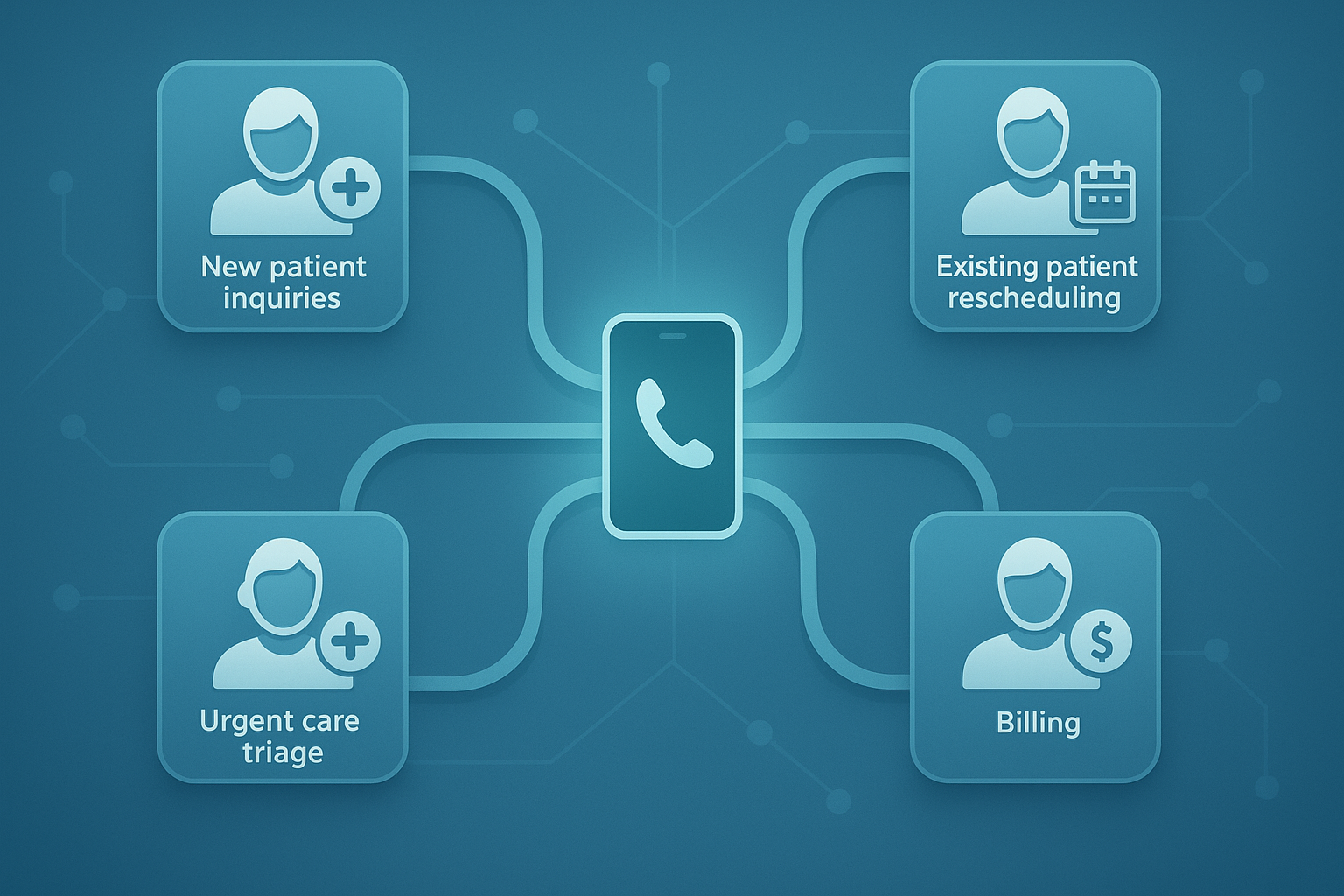
Start by mapping call types to staff expertise. Configure an Interactive Voice Response (IVR) menu that greets callers with options for new patient inquiries, existing patient rescheduling, urgent care requests, and billing questions [2]. Use skill-based routing to connect each caller to an agent trained for that workflow, cardiology scheduling routes to staff familiar with that clinic's protocols [2]. Within each category, apply priority logic: urgent care flags route to front-line triage staff, while routine reschedules queue to general scheduling agents.
Set Appointment Booking Logic with Availability Constraints
Sync your scheduling engine with live clinical capacity. Match patient appointments with available resources like physician availability and treatment rooms [5], ensuring the system checks both provider calendars and room inventory before confirming a slot. Assign appointment duration by visit type, initial consultations block 30 minutes, follow-ups 15, and enforce buffer periods between complex procedures. This real-time synchronization prevents double-booking and ensures the hospital operates at peak capacity [5].
Integrate CRM and EHR Systems for Real-Time Patient Data Sync
Connect your AI platform to practice management systems using bidirectional API links. EchoLeads integrates with CRM-based schedulers to check availability and book confirmed appointments during the conversation, reducing manual scheduling work. Configure field mappings so patient demographics, appointment notes, and consent flags flow from the call into the EHR in real time. Test the sync workflow end-to-end: book a test appointment via phone, verify the record appears in your EHR within seconds, then confirm calendar notifications reach both patient and provider.
Configuration alone is insufficient; front-desk teams need clear escalation protocols and hands-on system testing before full deployment.
Step 4: Train Staff on Human Escalation Protocols and Test the System
Define Escalation Triggers for High-Complexity or Sensitive Conversations
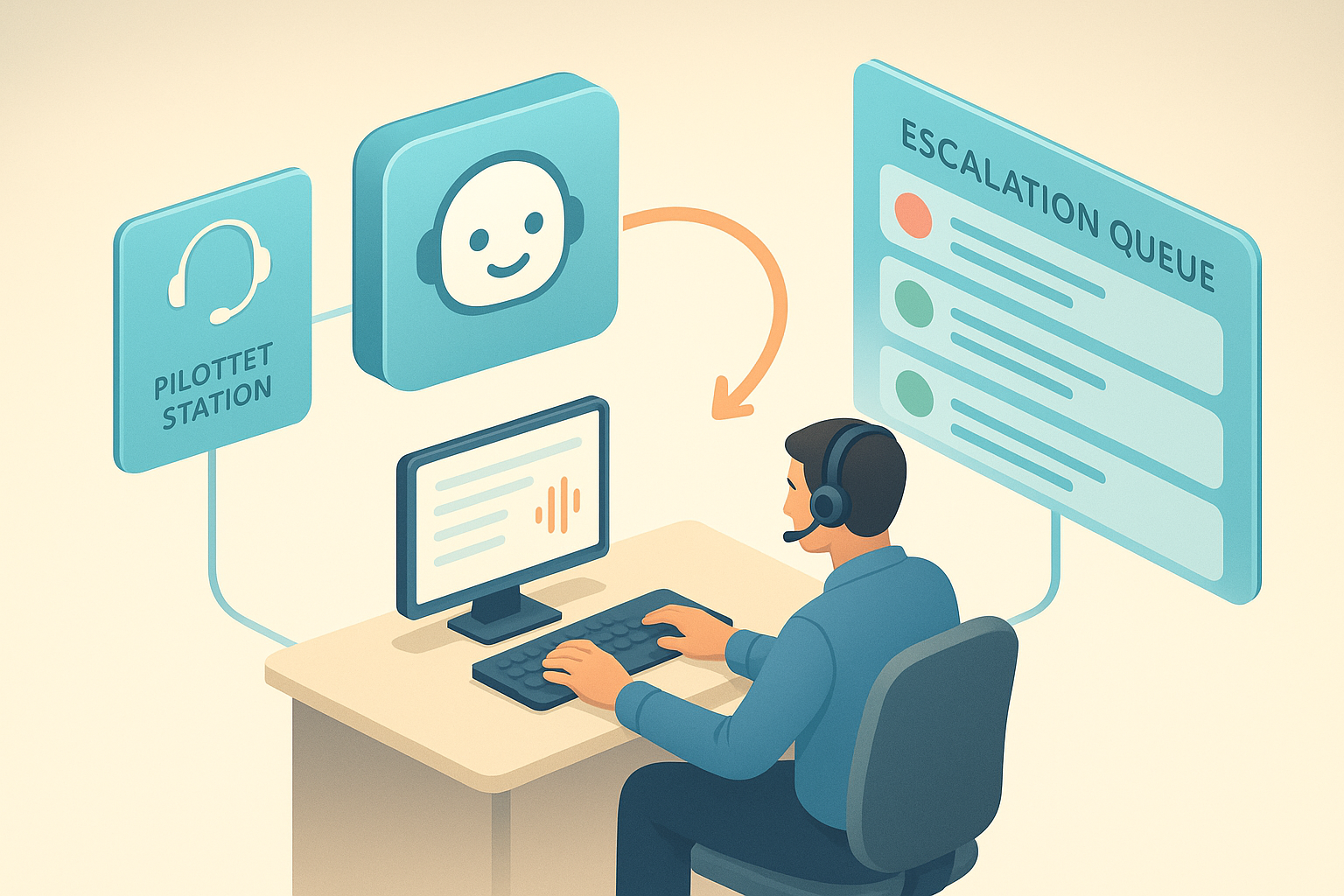
Identify scenarios requiring immediate human takeover. Train staff to recognize these triggers during live operations:
Clinical emergencies, chest pain, difficulty breathing, mental health crises
Insurance disputes, coverage denials, prior authorization appeals
Patient complaints, dissatisfaction with care, billing discrepancies
Complex medical history, multiple chronic conditions requiring physician review
Consent withdrawal, patient requests to speak with human staff immediately
Billing escalations, payment plan negotiations, unresolved charges
Regulatory inquiries, HIPAA requests, records access under state law
Train Staff on Warm Transfer Protocols and Takeover Workflows
Platforms like EchoLeads perform real-time call transfers with full conversation context, eliminating hold times and preventing patients from repeating information. Train front desk and clinical staff to receive warm transfers by reviewing the AI-generated transcript before pickup. Assign specific team members to monitor escalation queues during peak hours.
Conduct Pilot Testing with Real Patient Calls Before Full Rollout
Run a controlled pilot with 10 to 15% of daily call volume. Monitor escalation rates (target: 5 to 10% of calls), measure autonomous resolution accuracy, and refine routing rules based on real-world performance. Track metrics including average handling time, patient satisfaction scores, and staff takeover frequency. Adjust escalation logic weekly during the pilot phase before scaling to full production.
After deployment, continuous monitoring of call metrics and patient feedback ensures the system remains compliant and delivers measurable improvements in appointment capture.
Step 5: Monitor Call Metrics, Patient Feedback, and Compliance Adherence
Track Call Volume, Answer Rate, and Escalation Frequency
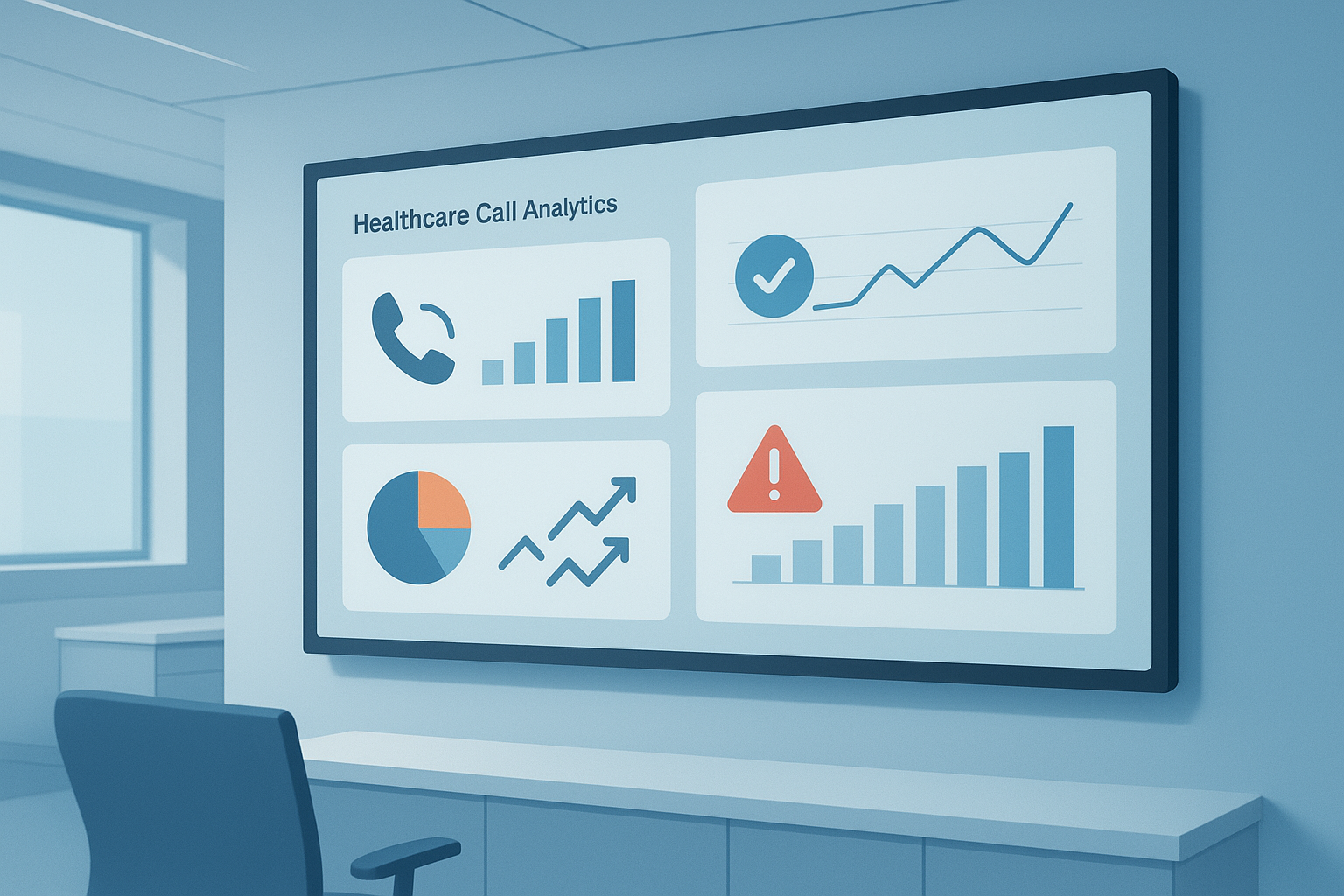
Review weekly metrics, total inbound calls, answered percentage, escalation rate, and voicemail volume, to identify staffing gaps and refine routing rules. Platforms that offer real-time dashboards enable you to spot peak-hour bottlenecks and adjust AI agent capacity or human handoff thresholds accordingly. Track escalation frequency to ensure high-complexity cases (insurance verification, urgent clinical triage) reach human staff promptly.
Collect Patient Feedback on AI Call Experience and Appointment Accuracy
Patient experience directly influences care satisfaction [8]. Deploy post-appointment surveys asking whether the booking process was clear, whether the AI agent understood their request, and whether the scheduled time was accurate. Use feedback to refine conversational scripts and flag edge cases, non-standard insurance plans, specialty referrals, for human review during booking.
Audit Compliance with HIPAA, TCPA, and Call Recording Consent Laws
Perform quarterly compliance audits covering Business Associate Agreements (BAA), encryption standards, access logs, TCPA opt-out handling, and call recording consent documentation. EchoLeads includes TCPA-compliant workflows, automated opt-in systems, and consent logging. Verify that patient data is encrypted at rest and in transit, that only authorized personnel access call transcripts, and that opt-out requests are honored within 24 hours. Document each audit result and remediate gaps before the next cycle.
Single-platform tracking suits practices with simple scheduling workflows, while EchoLeads adds value when offices need CRM integration, human escalation protocols, and compliance monitoring across multiple appointment types. Generic AI scheduling tools handle booking logistics; healthcare-specific platforms like EchoLeads include HIPAA compliance, EHR synchronization, and patient consent workflows required for clinical environments.
As patient expectations for immediate appointment access increase and after-hours inquiry volume grows, healthcare offices will rely on AI voice automation not just for overflow handling but as the primary appointment scheduling interface, with human staff transitioning to high-complexity patient interactions and clinical care delivery.
Explore EchoLeads' HIPAA-compliant AI voice platform to automate appointment scheduling, reduce missed calls, and free clinical staff to focus on patient care. The platform delivers 24/7 answering, real-time EHR integration, and human escalation capabilities designed specifically for healthcare workflows.
Frequently Asked Questions
Can AI voice automation handle appointment calls 24/7 for healthcare offices?
Yes. AI voice systems receive after-hours calls, route to relevant departments, and collect patient details [3][4]. Healthcare-centric platforms answer calls around the clock, handling appointment booking, rescheduling, and lead qualification without human intervention, ensuring no inquiry goes unanswered outside business hours.
What HIPAA compliance features should healthcare offices look for in an AI voice platform?
Platforms must offer a Business Associate Agreement (BAA), end-to-end encryption, role-based access controls, and audit logs [3][4]. Healthcare AI voice systems require encrypted call recording, patient consent workflows, and TCPA opt-out handling to ensure protected health information remains secure during every conversation.
How do AI voice platforms integrate with EHR and practice management systems?
Bidirectional API links sync appointment data in real time [2][5]. AI platforms query open slots, check physician availability and treatment room constraints, then write confirmed appointments during the conversation, eliminating manual data entry and preventing double-booking across clinical scheduling systems.
When should an AI voice system escalate a call to a human staff member?
Configure takeover triggers for urgent symptoms, insurance disputes, patient distress, and clinical emergencies [6][7]. AI platforms operate autonomously for routine appointment confirmations but transfer calls with full conversation context when complexity or compliance risk requires immediate human judgment and clinical expertise.
What call metrics should healthcare offices monitor after deploying AI voice automation?
Track total call volume, answer rate, escalation frequency, voicemail abandonment rate, and patient feedback scores weekly. Run controlled pilots with 10 to 15% of daily volume, targeting 5 to 10% escalation rates, and refine routing rules based on real-world autonomous resolution accuracy and satisfaction trends.
How much does AI voice automation cost for healthcare appointment scheduling?
Pricing varies by call volume, feature set, and integration complexity [3][4]. Most healthcare AI voice platforms offer tiered monthly pricing with setup costs, scaling from single-location practices to multi-site health systems. Compare platforms based on HIPAA compliance, EHR integration depth, and escalation capabilities.
Can AI voice systems handle multi-lingual patient conversations for diverse patient populations?
Yes. Healthcare-centric AI platforms offer 24/7 answering, appointment booking, rescheduling, lead qualification, and multi-lingual conversations as core capabilities [3][4]. Multi-language support ensures diverse patient populations receive consistent scheduling assistance regardless of their preferred language, improving access and satisfaction.